

Prerequisites
Before getting started, make sure you have:- An Upstash account (to upsert and query data)
- An OpenAI API key (to generate responses and embeddings)
Setup and Installation
We will start by bootstrapping a Next.js application with the following command:.env file:
If you are going to use Upstash hosted embedding models, you should select one of the available options when creating your index. If you are going to use custom embedding models, you should specify the dimensions of your embedding model.
Implementation
RAG (Retrieval-Augmented Generation) is the process of enabling the model to respond with information outside of its training data by embedding a user’s query, retrieving the relevant source material (chunks) with the highest semantic similarity, and then passing them alongside the initial query as context. Let’s consider a simple example. Initially, a chatbot doesn’t know who your favorite basketball player is. During a conversation, I inform the chatbot that my favorite player is Alperen Sengun, and it stores this information in its knowledge base. Later, in another conversation, when I ask, “Who is my favorite basketball player?” the chatbot retrieves this information from the knowledge base and responds with “Alperen Sengun.”Chunking + Embedding Logic
Embeddings are a way to represent the semantic meaning of words and phrases. The larger the input to your embedding, the lower the quality the embedding will be. So, how should we approach long inputs? One approach would be to use chunking. Chunking refers to the process of breaking down a particular source material into smaller pieces. Once your source material is appropriately chunked, you can embed each one and then store the embedding and the chunk together in a database (Upstash Vector in our case). Using Upstash Vector, you can upsert embeddings generated from a custom embedding model, or you can directly upsert data, and Upstash Vector will generate embeddings for you. In this guide, we demonstrate both methods—using Upstash-hosted embedding models and using a custom embedding model (e.g., OpenAI).Using Upstash Hosted Embedding Models
lib/ai/upstashVector.ts
Using a Custom Embedding Model
Now, let’s look at how we can use a custom embedding model. We will use OpenAI’stext-embedding-ada-002 embedding model.
lib/ai/upstashVector.ts
text-embedding-ada-002 generates embeddings with 1536 dimensions, so the index we created must have 1536 dimensions.
Create Resource Server Action
We will create a server action to create a new resource and upsert it to the index. This will be used by our chatbot to store information.lib/actions/resources.ts
Chat API route
This route will act as the “backend” for our chatbot. The Vercel AI SDK’s useChat hook will, by default, POST to/api/chat with the conversation state. We’ll define that route and specify the AI model, system instructions, and any tools we’d like the model to use.
app/api/chat/route.ts
Chat UI
Finally, we will implement our chat UI on the home page. We will use the Vercel AI SDK’suseChat hook to render the chat UI. By default, the Vercel AI SDK will POST to /api/chat on submit.
app/page.tsx
Run the Chatbot
Now, we can run our chatbot with the following command: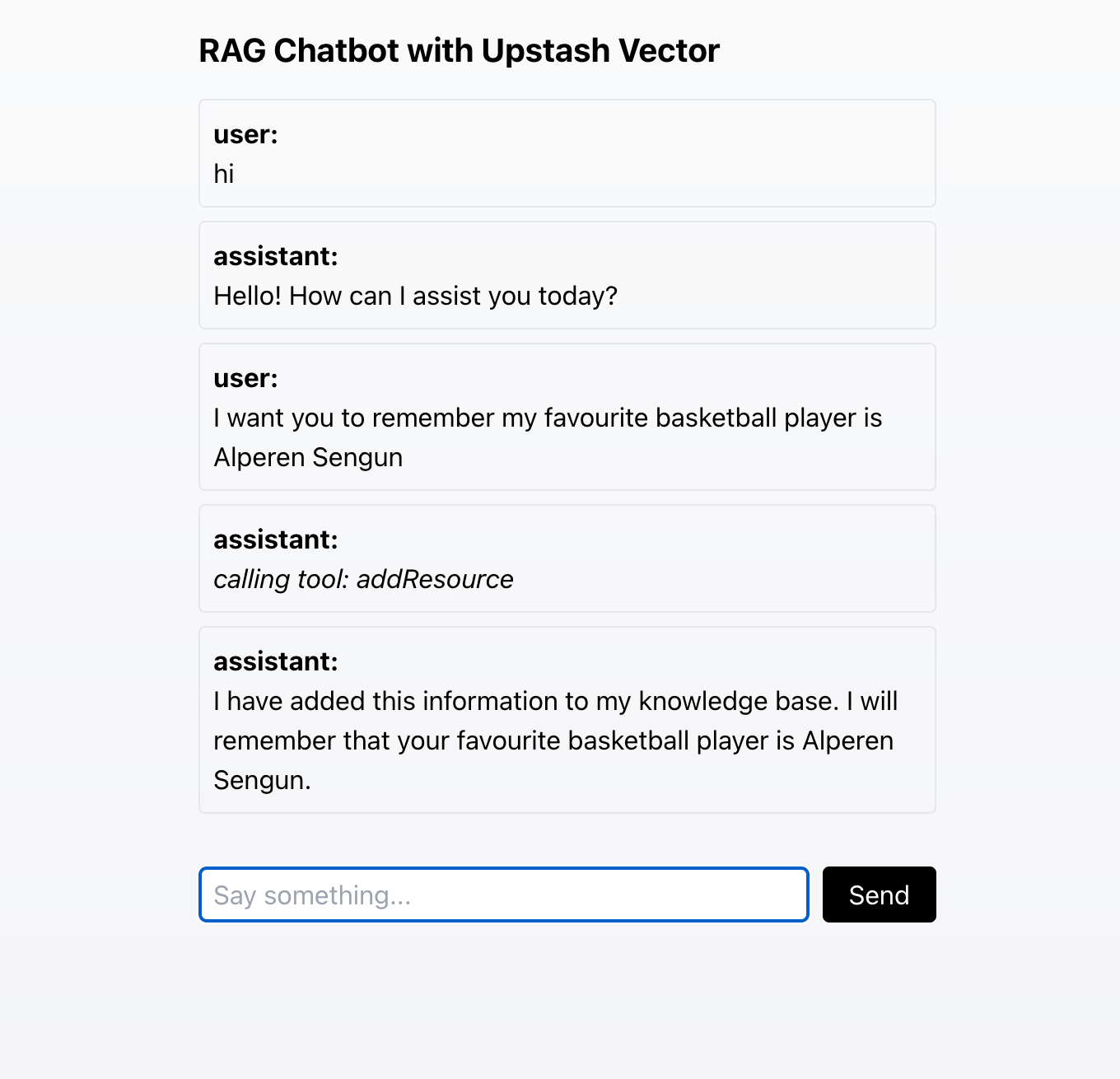
Adding information to the knowledge base
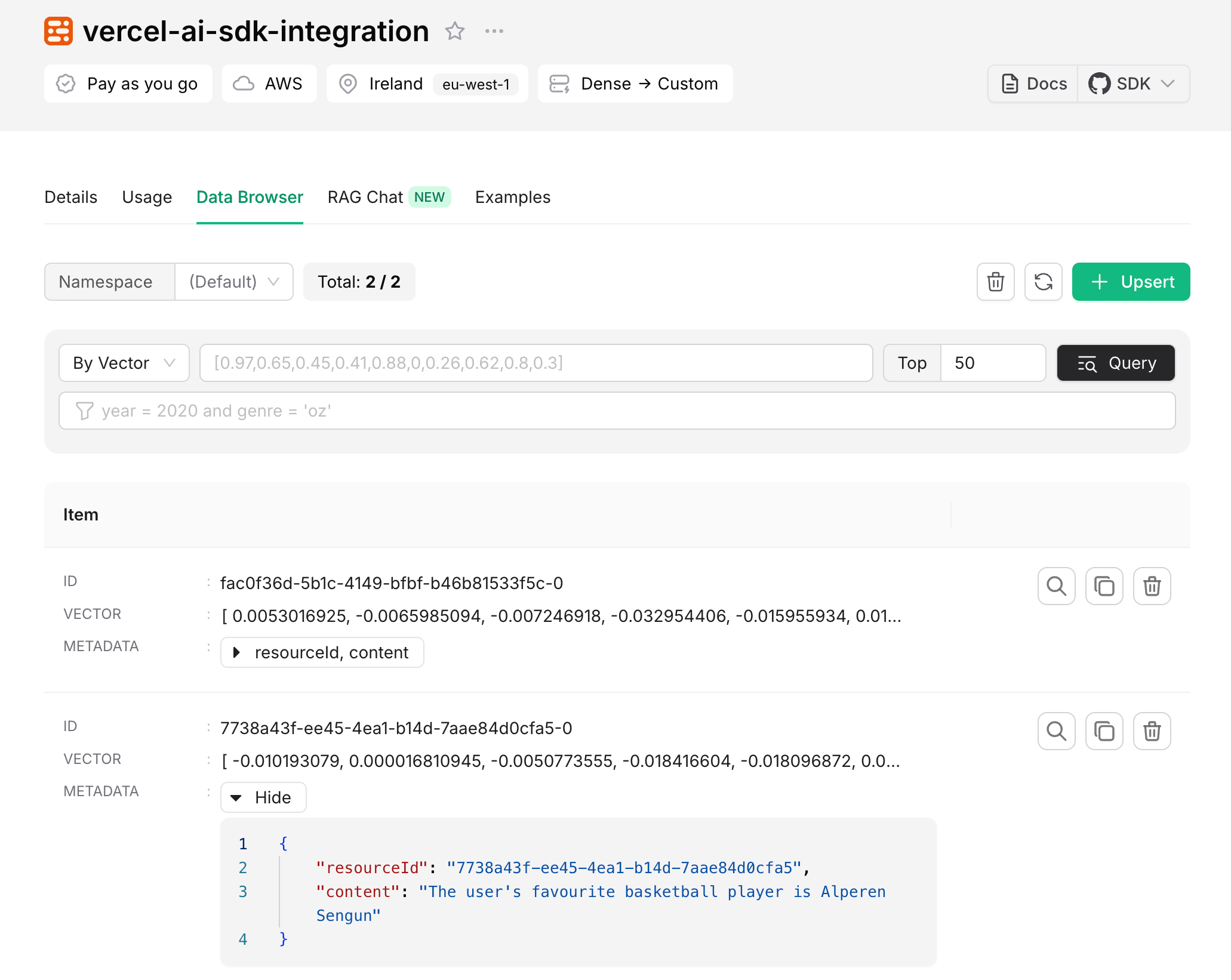
Added information can be seen in Upstash Console
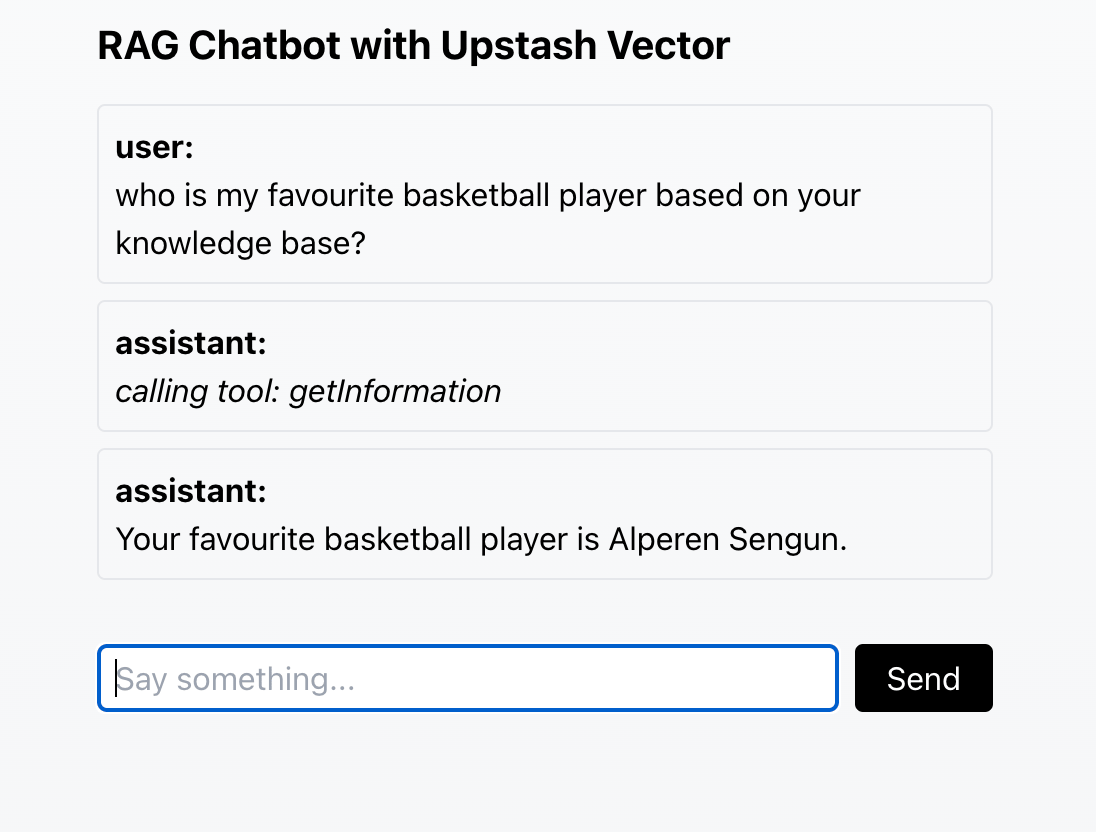
Retrieving information from the knowledge base in another conversation